All examples
InputBinance CSV fills
Market dataBinance public K-lines
OutputEntry, exit, P/L range
Exchange fill review
BinanceGenerate crypto K-line review charts from Binance trade history
Use pair, time, side, price, and quantity fields to match Binance K-line data and turn crypto fills into review-ready chart images.
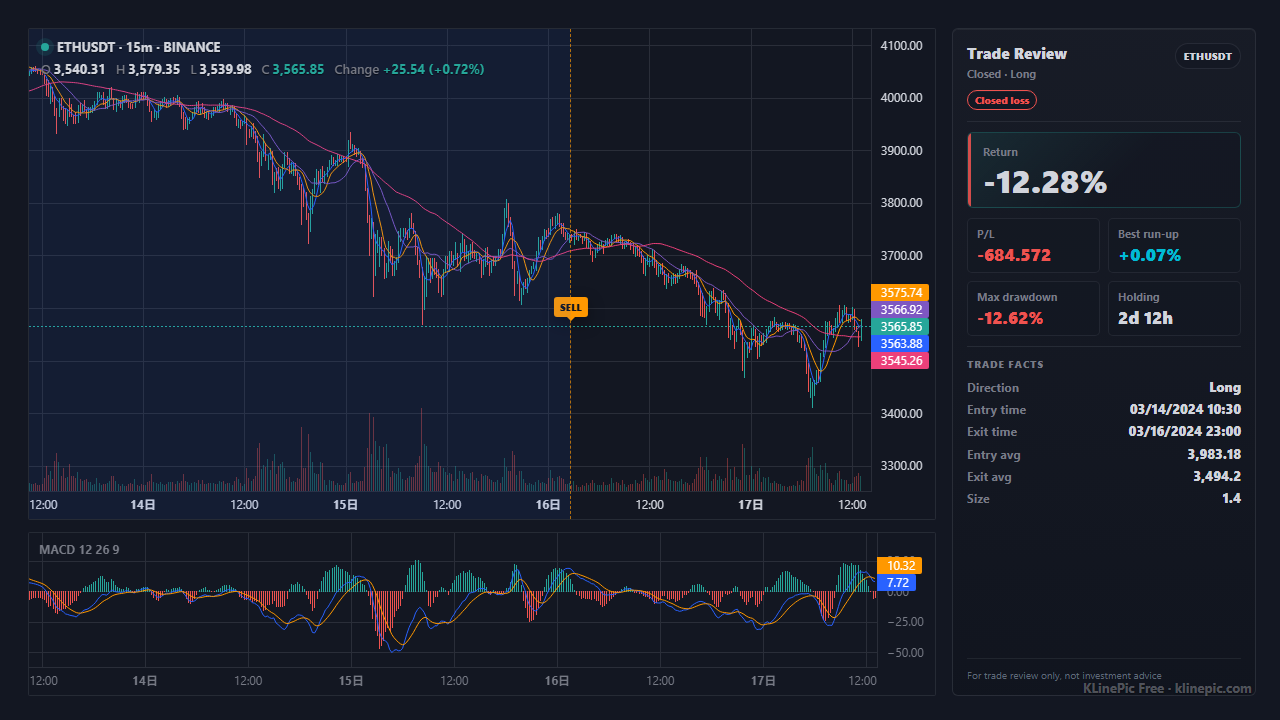
Best for
- Crypto trade reviews
- Futures fill cleanup
- Batch charting across pairs
Input notes
- Keep pair, time, side, price, and quantity
- Use one trade_id to group a complete trade
- Short periods such as 15m, 1h, and 4h are supported
Chart output
- Markers avoid crowding the price body
- The side panel shows return, max floating profit, and max drawdown
- Sub-panels follow the selected volume, MACD, or light-review preset
Workflow
From file to review chart
Export fills
Export Binance trade history or map it to the sample template.
Check grouping
Verify that each complete trade has one trade_id.
Download results
Preview the first chart, then export PNG or ZIP.
FAQ
Questions this workflow answers
How do I turn Binance trade history into a review chart?
Export or map Binance spot or futures fills with pair, time, side, price, and quantity. OKX, Bybit, HTX/Huobi, and other exchange fills can use the same mapped fields. KLinePic renders entry, exit, return, max floating profit, and drawdown.
Does this work for spot and futures fills?
Yes. Keep a stable trade_id for one complete trade so partial entries and exits can be grouped into one chart.
Which long-tail searches does this page target?
Binance trade history chart, OKX trade history chart, Bybit trade history chart, HTX Huobi trade history chart, crypto exchange fills chart, and USDT futures review chart.
Other chart workflows
Public workflows with real examples
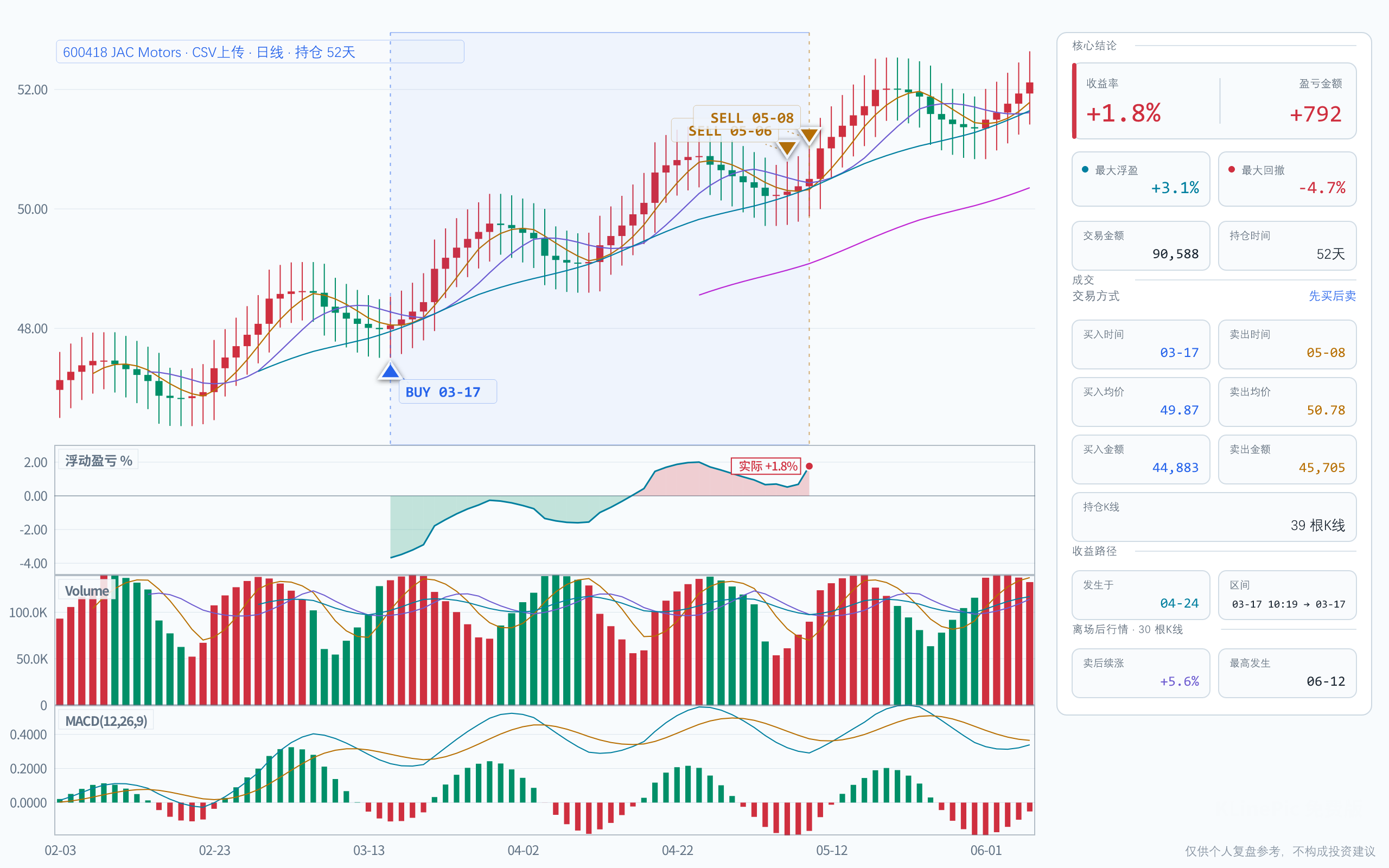 Broker CSV
Broker CSV review
A landing page for broker CSV, Tonghuashun exports, and text .xls trade statements.
Open workflow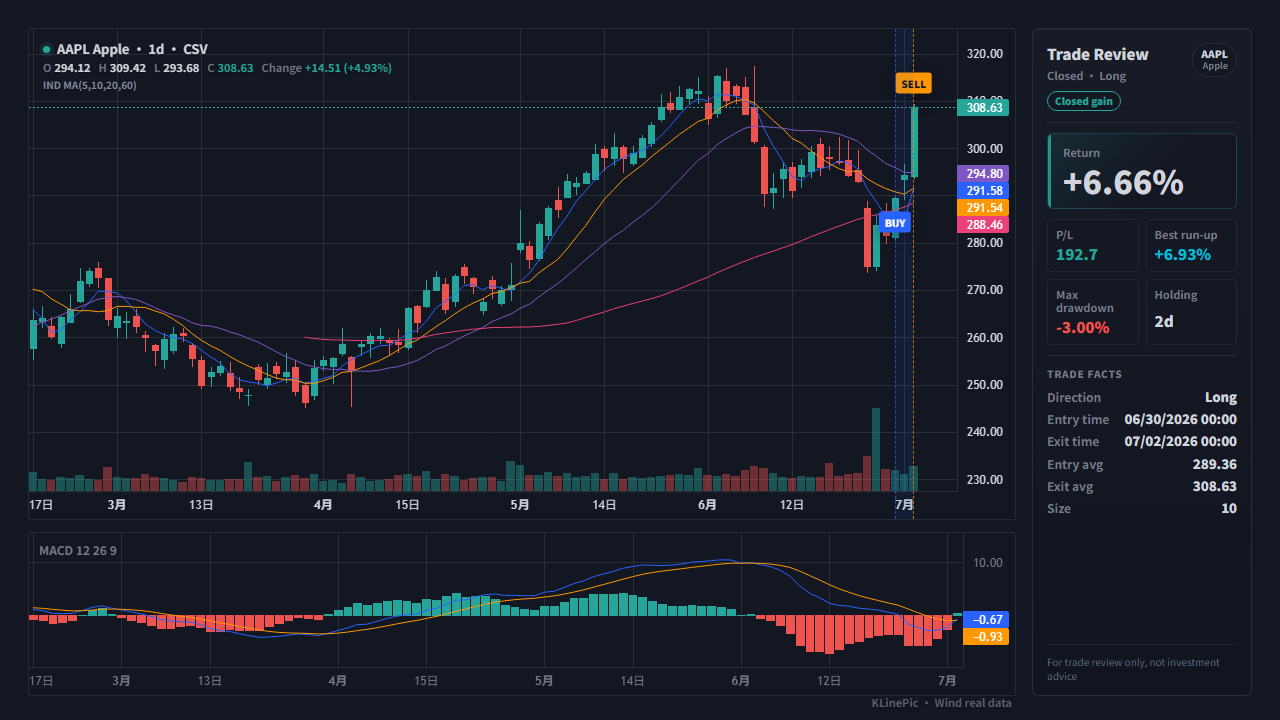 US Stocks
US stock journal
For US stock trading journals, broker exports, and manual CSV fills.
Open workflow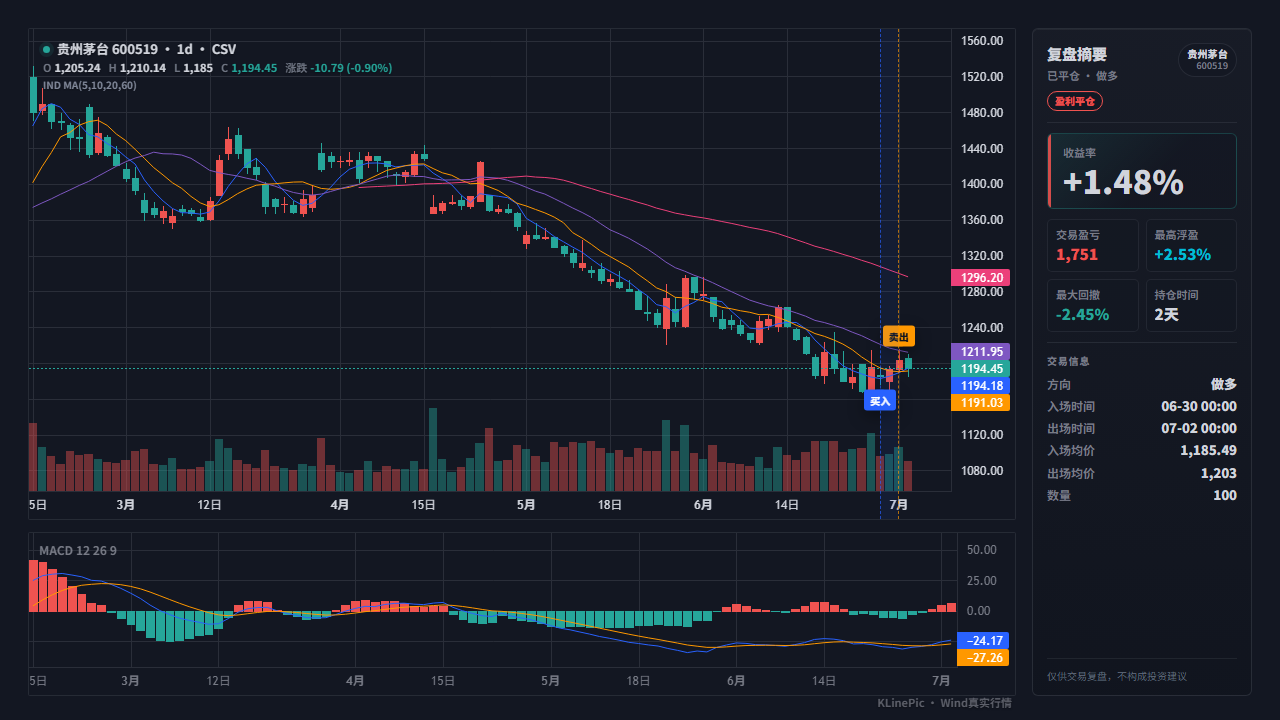 A-share
A-share review chart
For A-share stock trades, broker statements, and strategy backtest fills.
Open workflow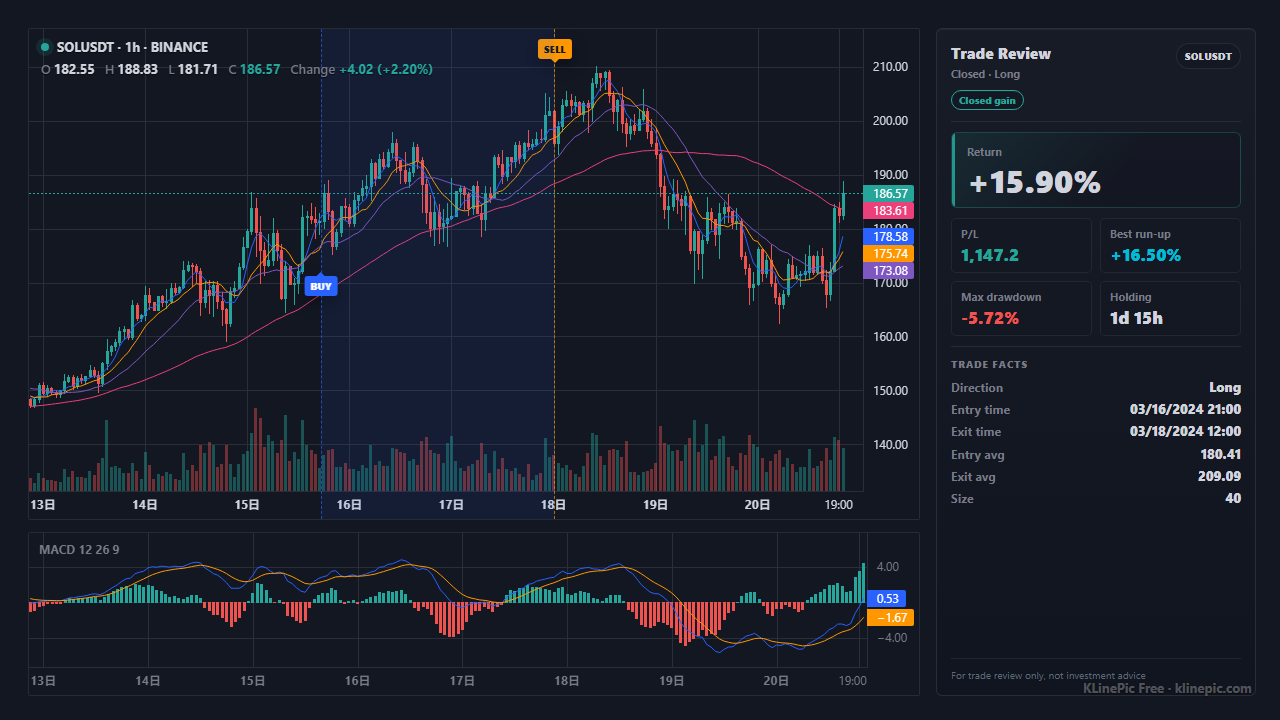 API
API
Agent API charts
For automated workflows, trading bots, research assistants, and content pipelines.
Open workflow