Real Output Examples
Rendered from real dataSee the real output before uploading data
These three previews were pre-rendered from a BTCUSDT sample through the real chart pipeline. Pick the style direction first, then upload your own CSV or JSON to generate review charts. Every image below links to a workflow page where you can download a matching input template and generate the same chart from your own fills.
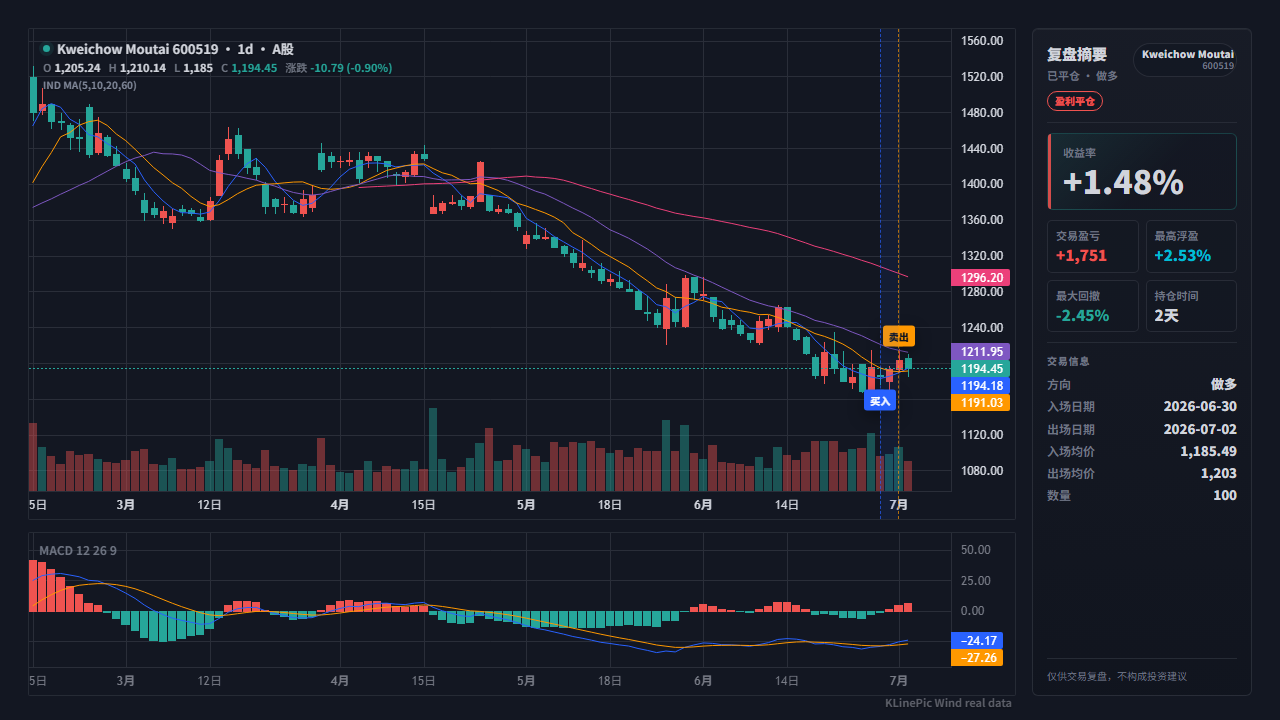
Pick a chart direction
Three chart directions, one BTCUSDT sample trade
Choosing a case opens the matching real preview in the main workflow before you upload your own data.
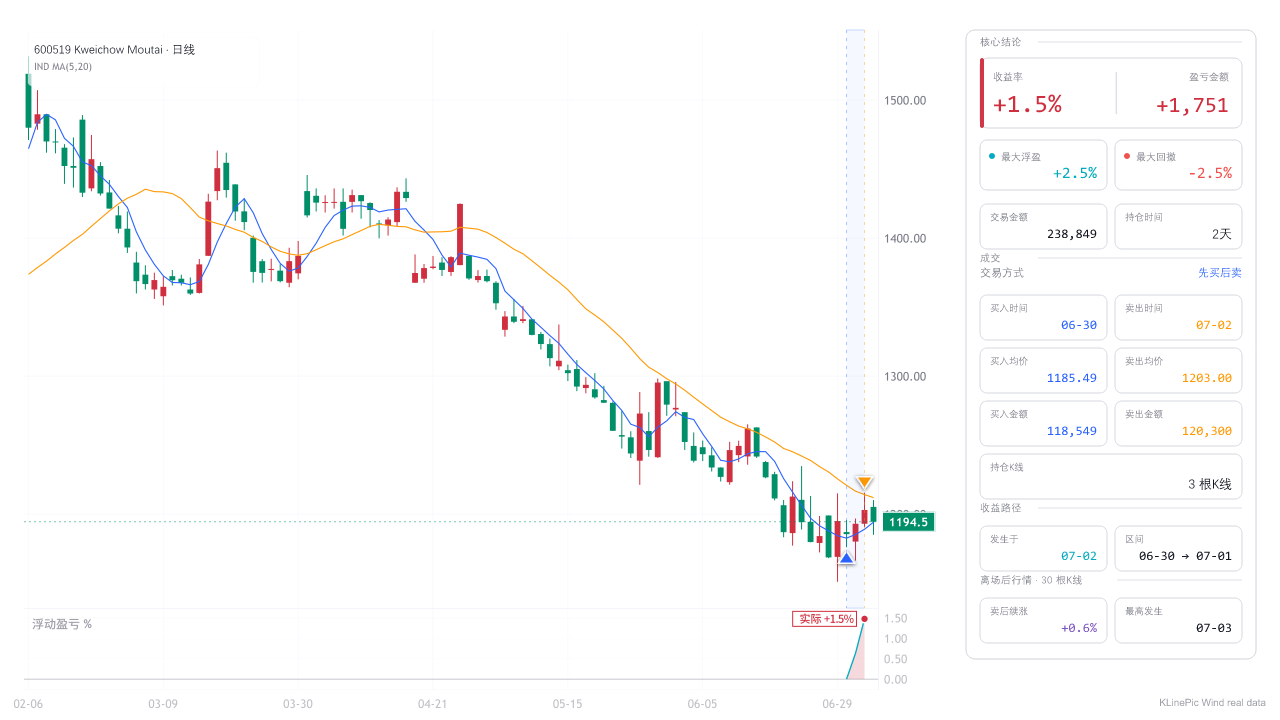 Light · Focused · Share-ready
Share With Others
Light, clean, entry and exit first
Best for chat groups or review notes where the reader needs to understand the trade quickly.
Start with this style
Dark · Volume · Daily use
Daily Review
Dark theme, price first, volume, P/L range
Best for checking one trade each day with price action first, then volume and lightweight review signals as support.
Start with this style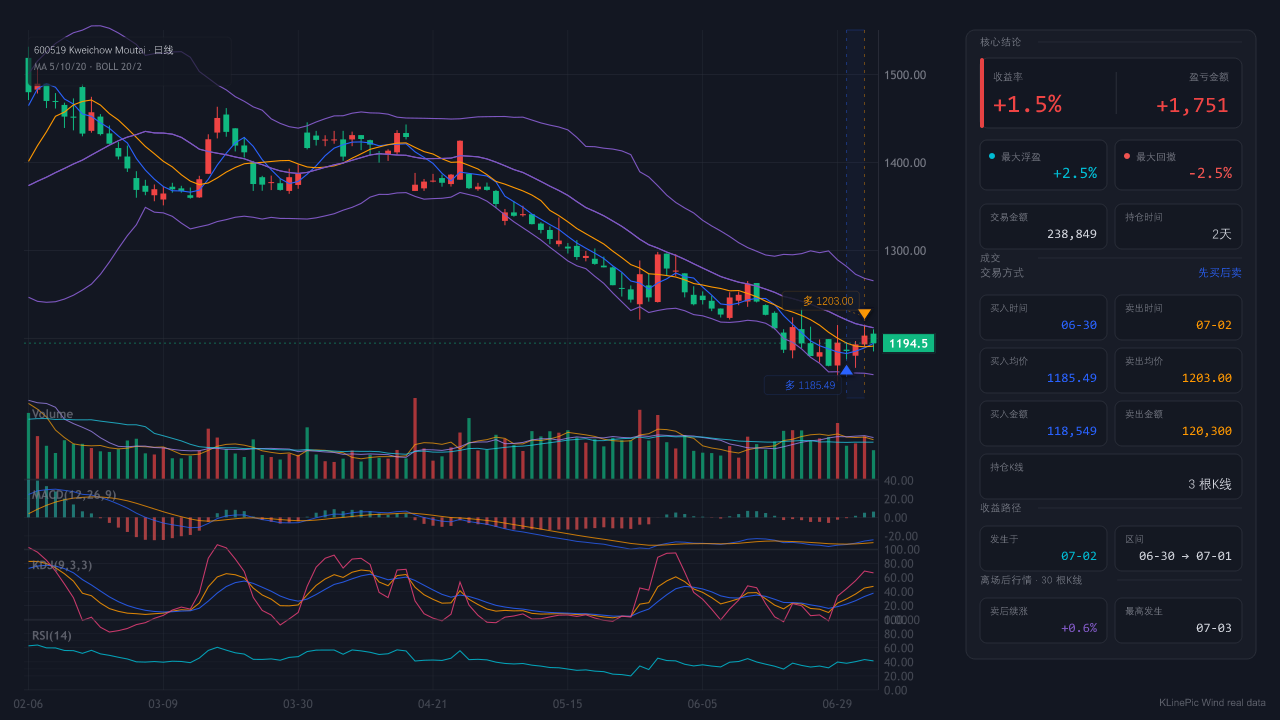 Context · All panels · Research
Deep Analysis
Longer window, more panels, post-exit context
Best for inspecting trend, indicators, and what happened after the exit without compressing the chart.
Start with this style
Real market workflows
Start from the file you already have
Each workflow page pairs a real rendered preview with a downloadable input template, field notes for that market, and the exact steps from raw export to finished chart.
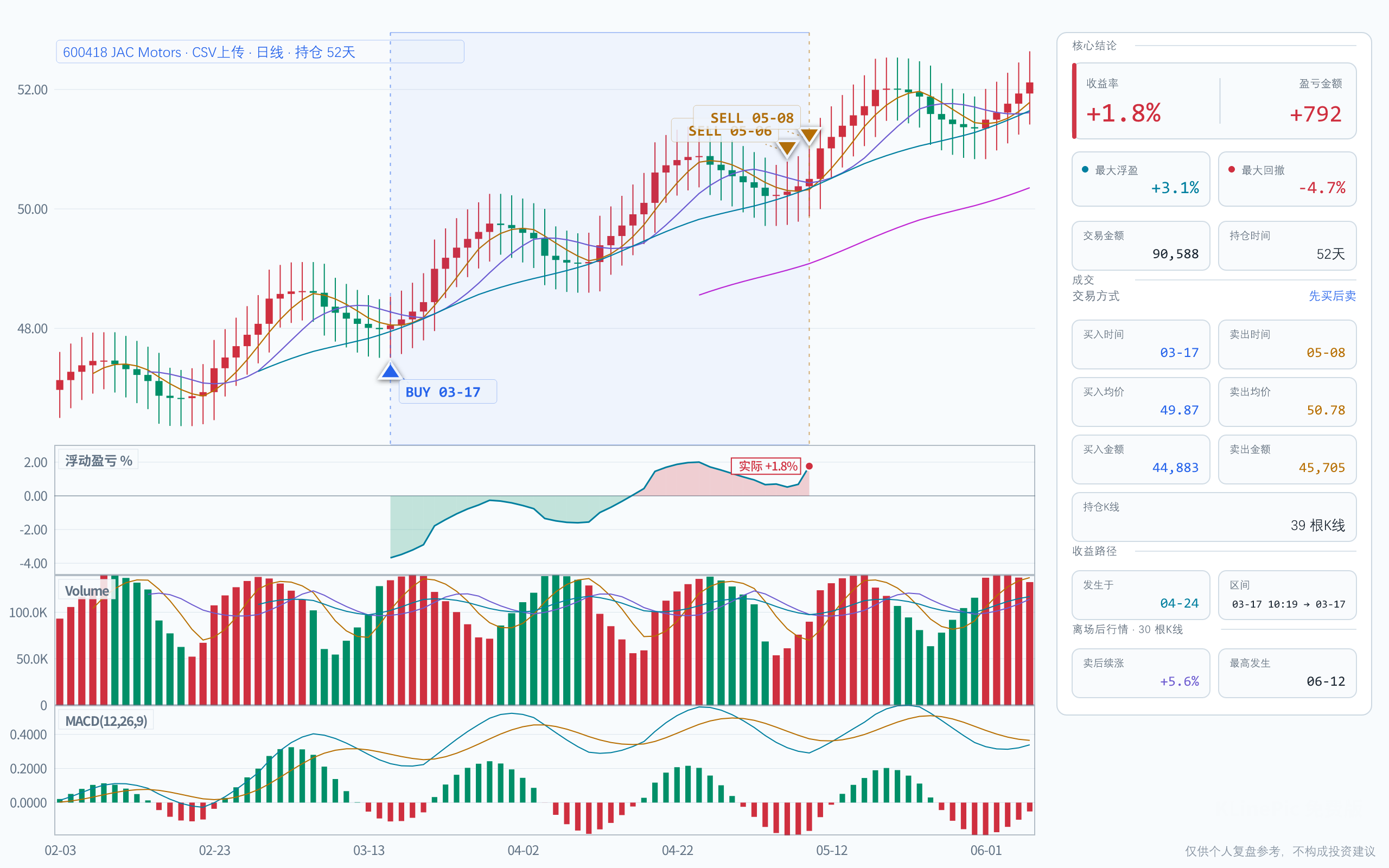 Broker CSV
Broker CSV review
A landing page for broker CSV, Tonghuashun exports, and text .xls trade statements.
Open workflow Broker statement guide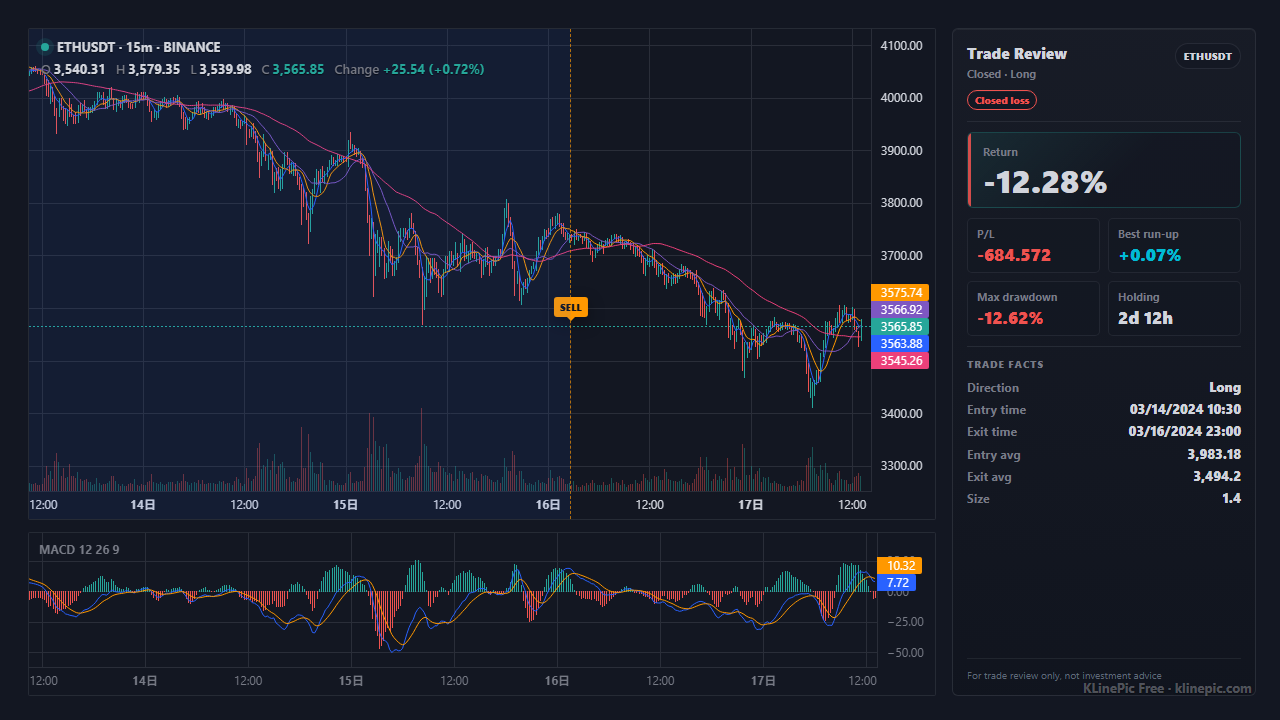 Binance
Binance review chart
For Binance spot or futures fills that need entry, exit, and P/L range charts.
Open workflow Binance export guide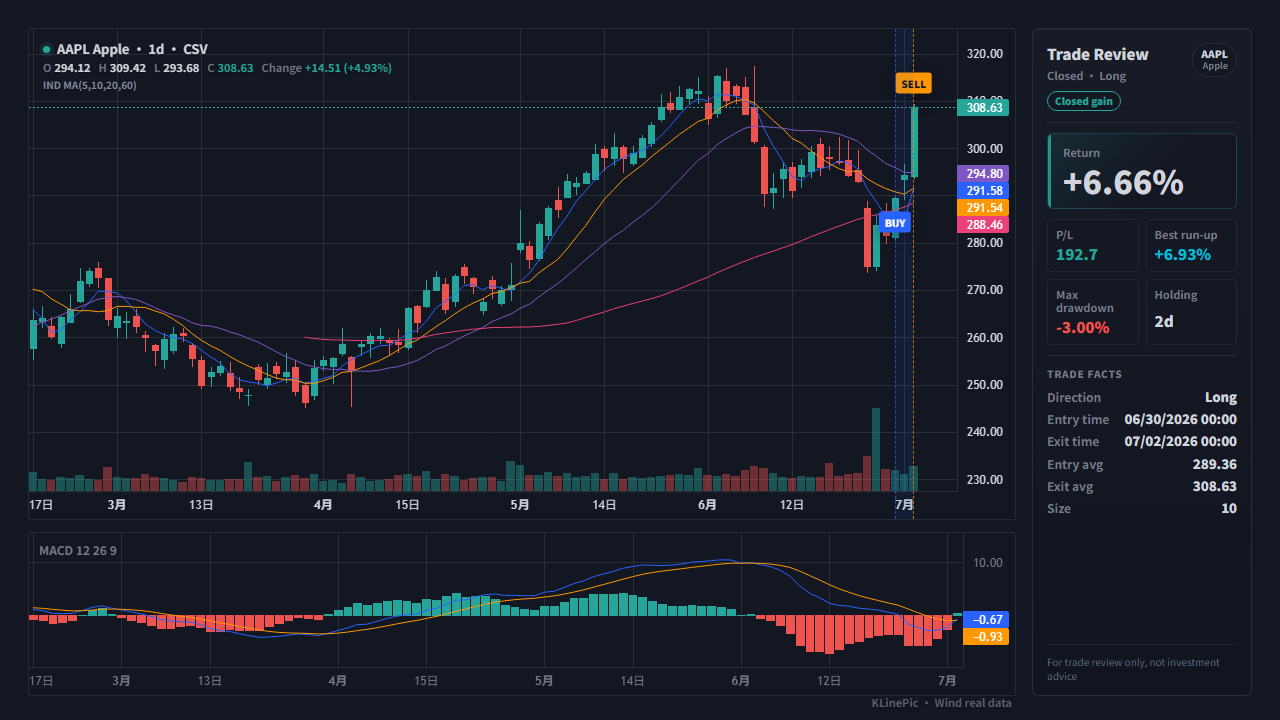 US Stocks
US stock journal
For US stock trading journals, broker exports, and manual CSV fills.
Open workflow US stock journal guide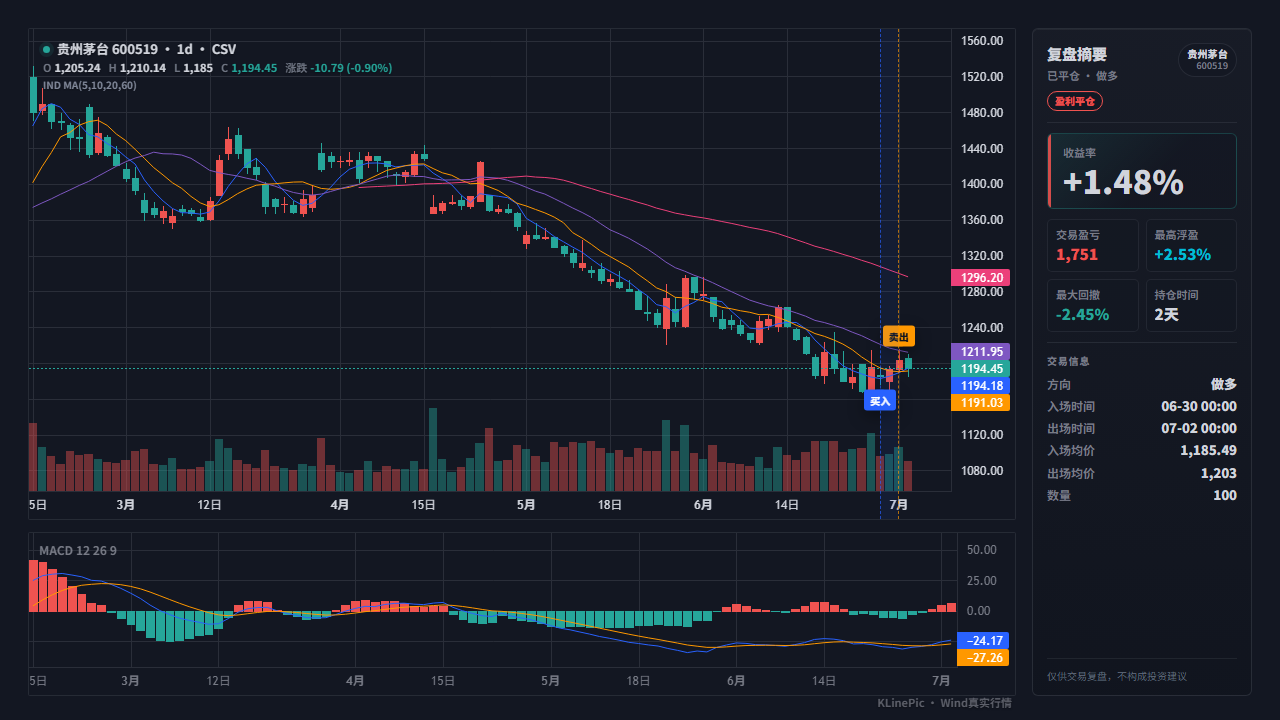 A-share
A-share review chart
For A-share stock trades, broker statements, and strategy backtest fills.
Open workflow A-share marker guide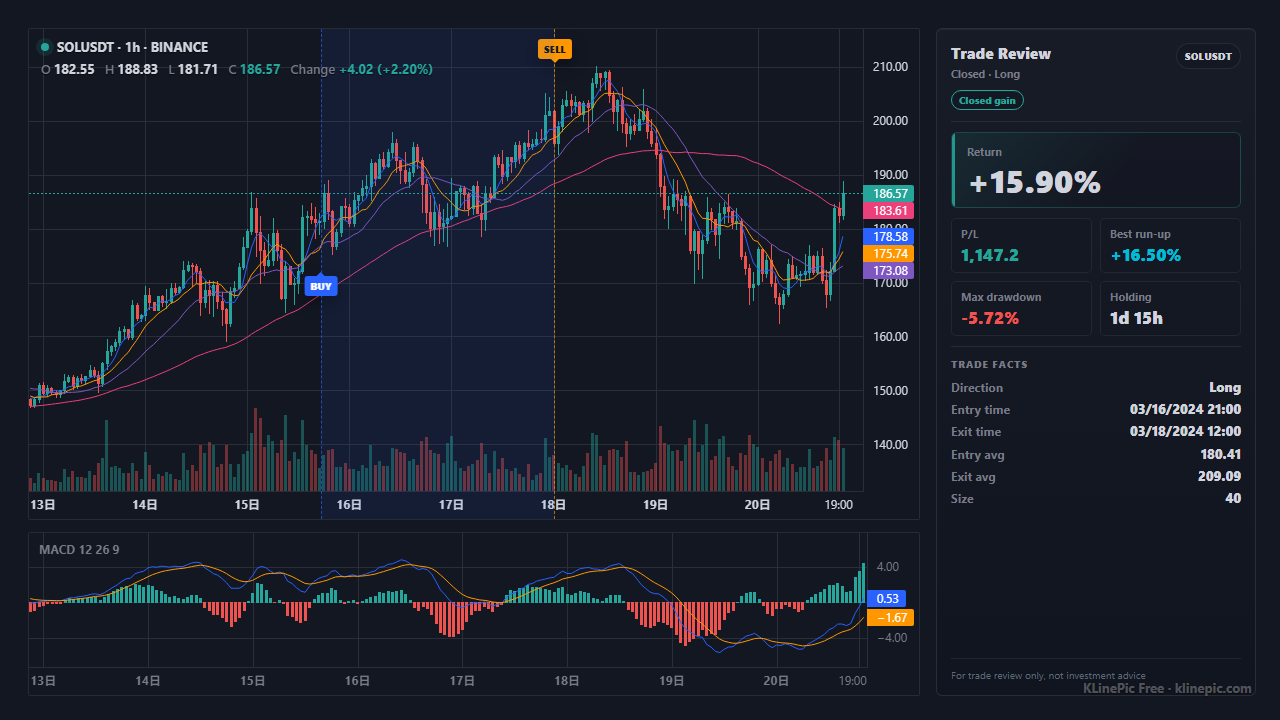 API
API
Agent API charts
For automated workflows, trading bots, research assistants, and content pipelines.
Open workflow Agent API guide
Per-symbol crypto reviews
Annotated entry/exit charts for major pairs
These pages show a complete annotated review chart for one trading pair — entries, exits, return, run-up, and drawdown — plus a CSV column map for that exchange export. See all symbol review pages for the full list. Charting your own exchange fills instead? The Gate.io kline pattern chart guide maps a Trade History export onto the same annotated candles.
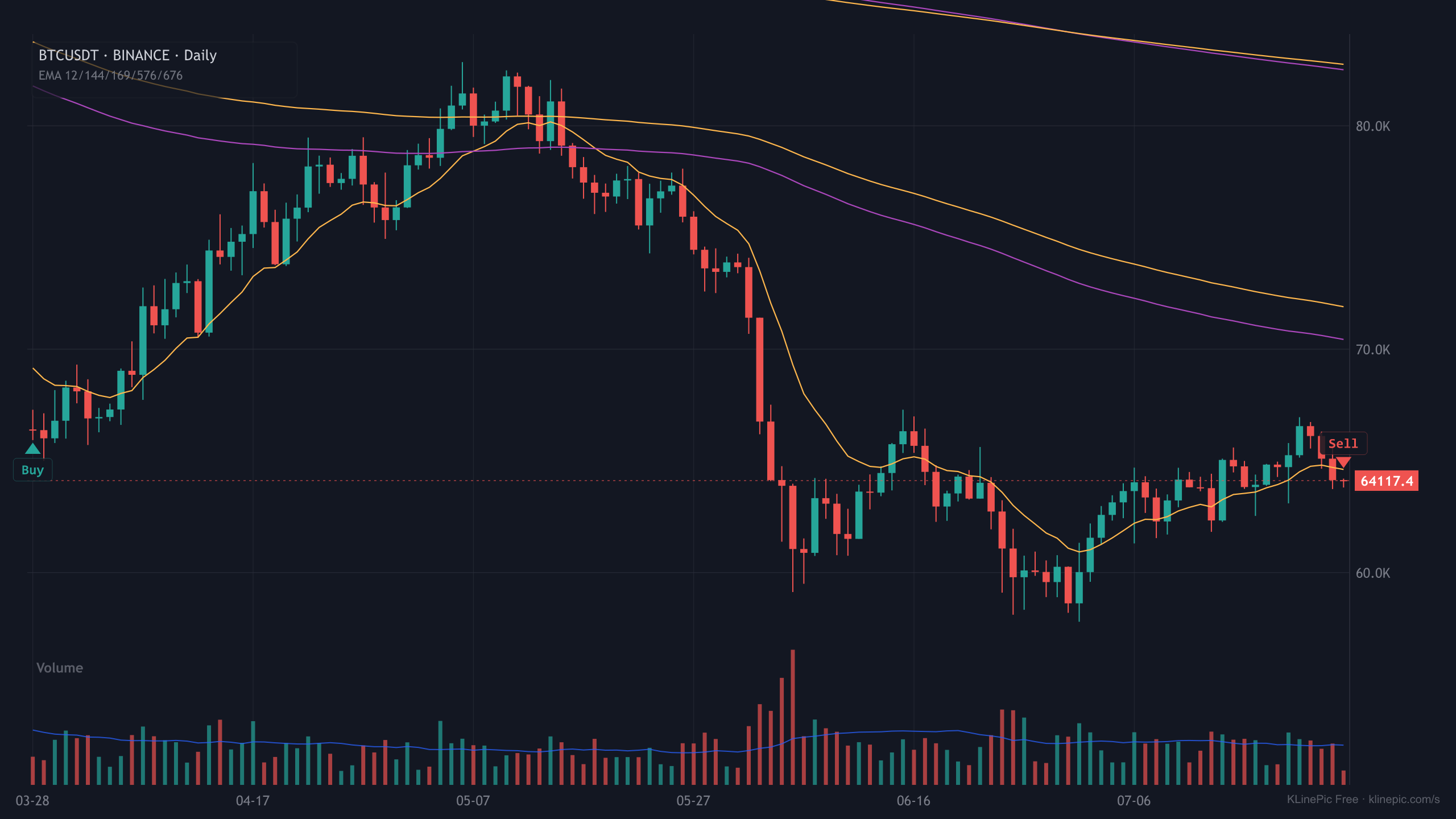
BTCUSDT
Real BTCUSDT K-line data with sample fills rendered through the production chart pipeline.
Open BTCUSDT review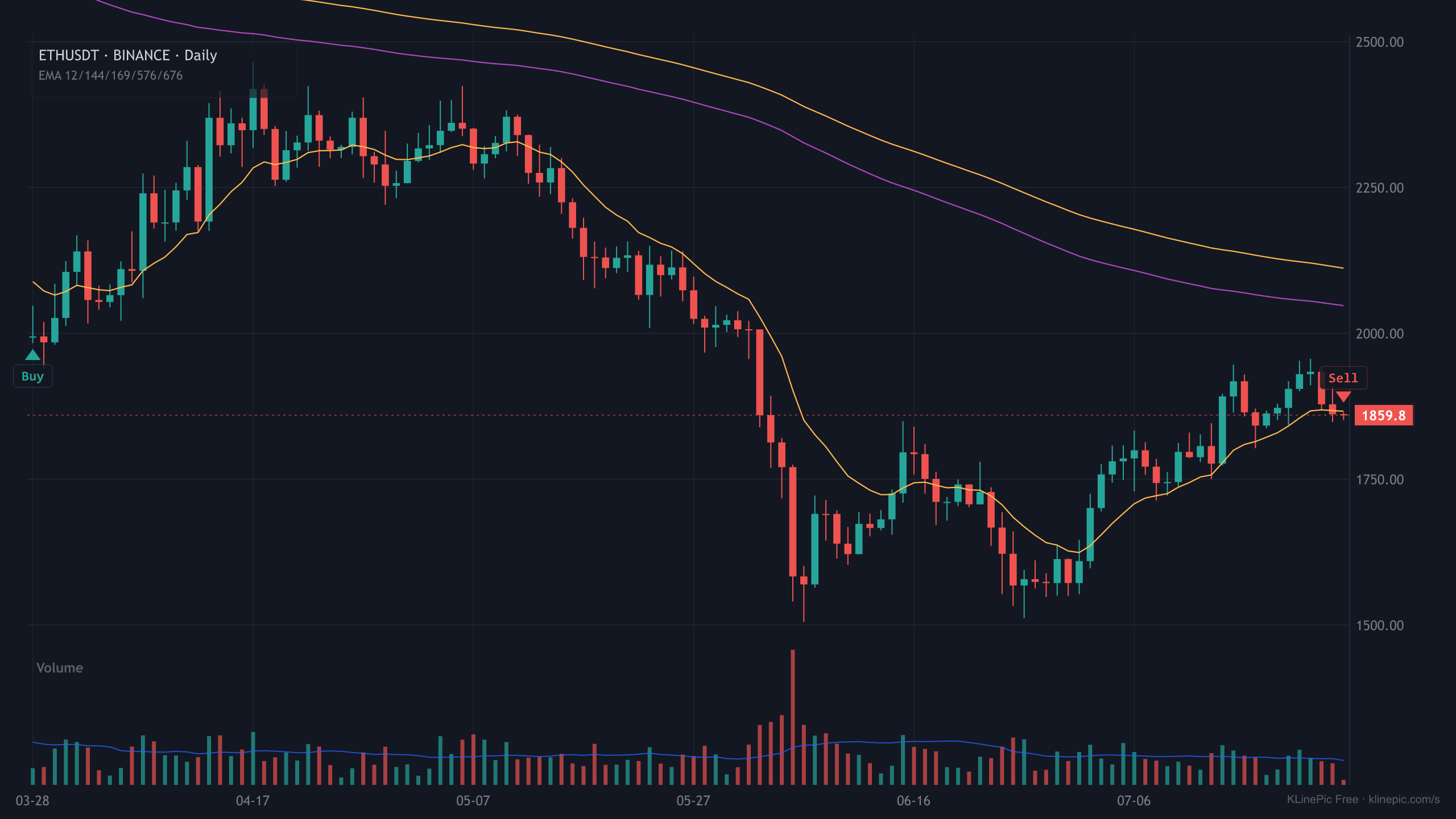
ETHUSDT
Real ETHUSDT K-line data with sample fills rendered through the production chart pipeline.
Open ETHUSDT review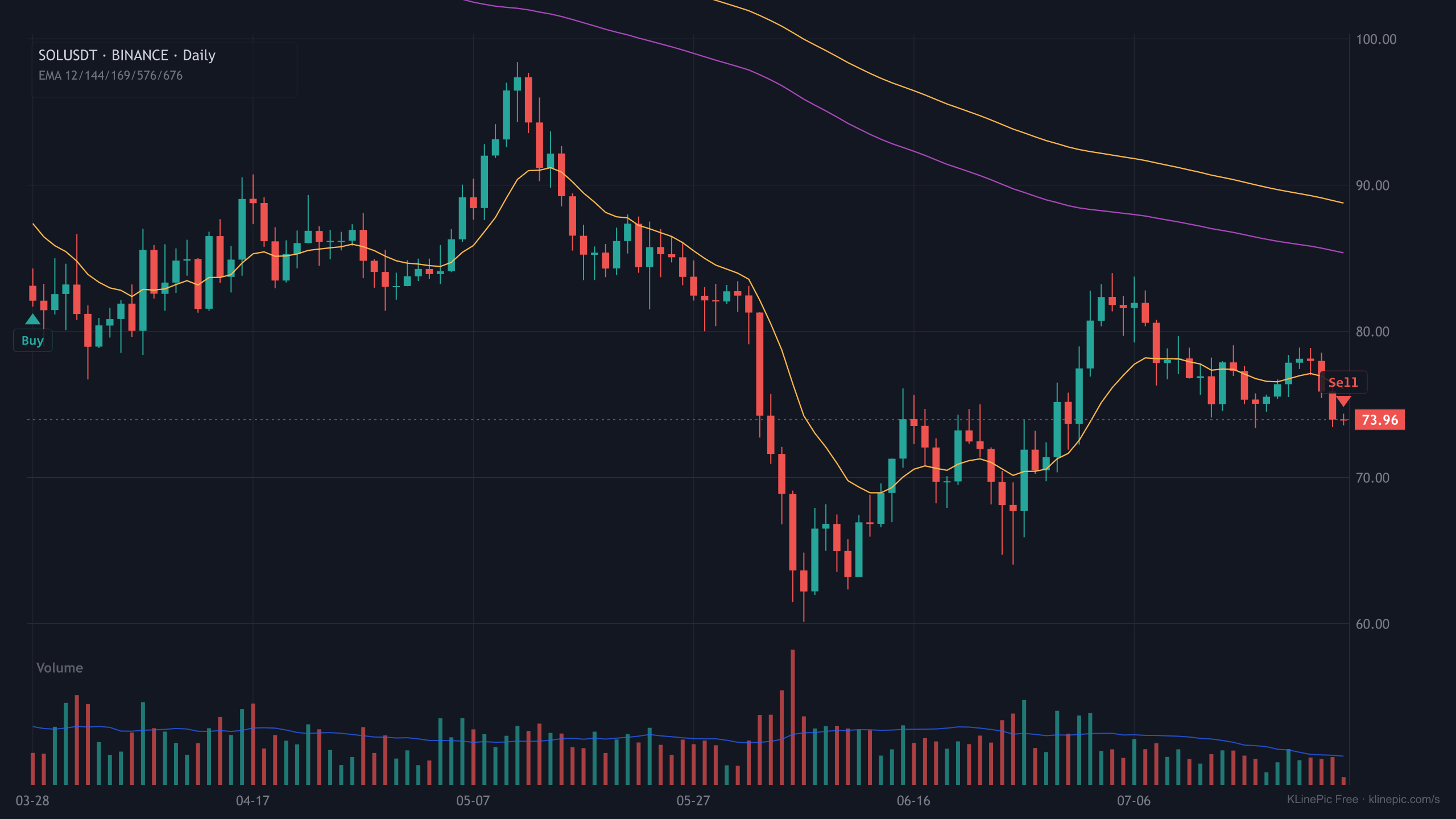
SOLUSDT
Real SOLUSDT K-line data with sample fills rendered through the production chart pipeline.
Open SOLUSDT review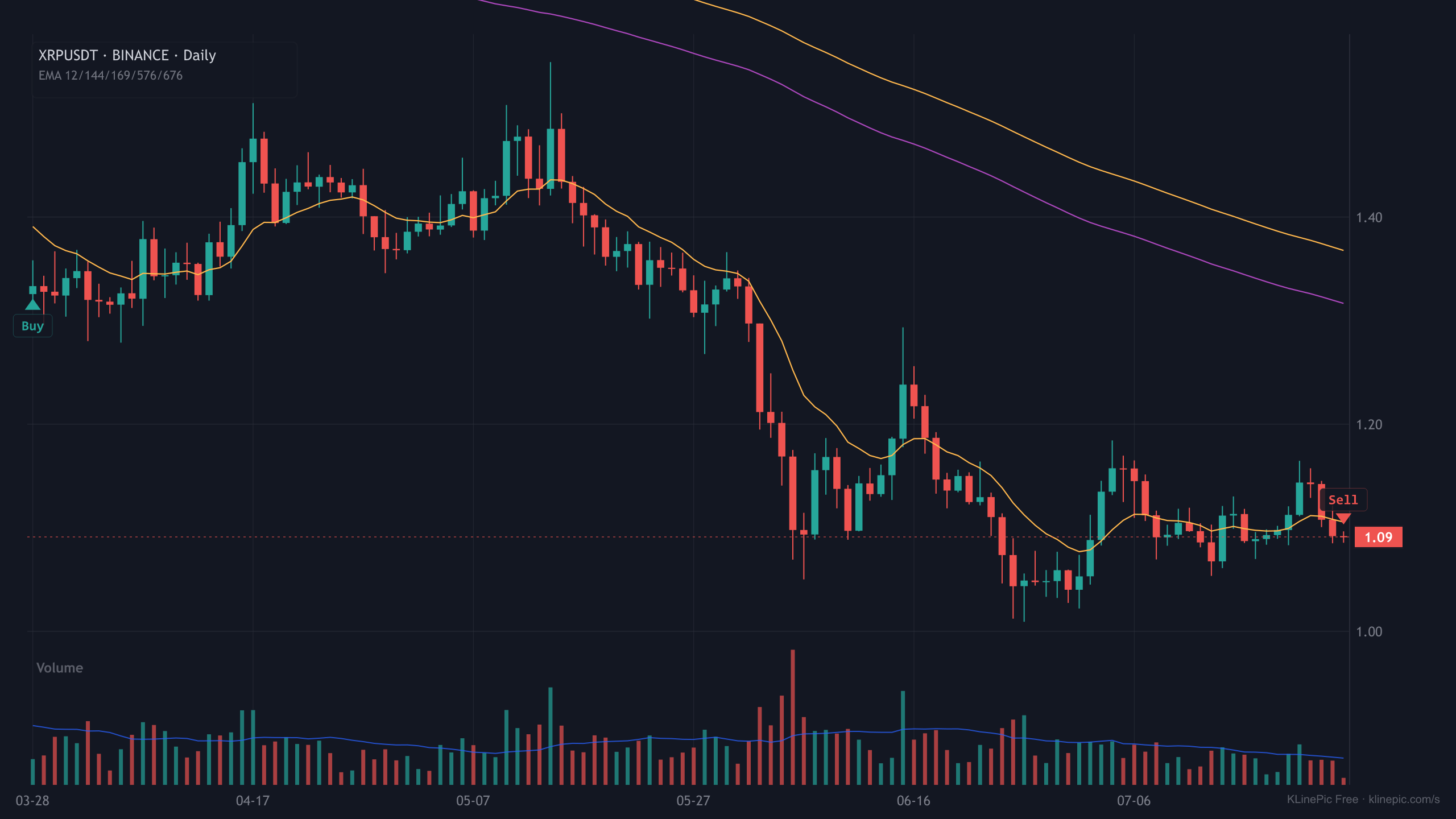
XRPUSDT
Real XRPUSDT K-line data with sample fills rendered through the production chart pipeline.
Open XRPUSDT review
Workflow
How every chart on this page was made
Upload trade records
A CSV, JSON, broker statement, or exchange export goes into the uploader, which converts it into standard trade records.
Verify markers and market data
Detected buy/sell rows, symbol, market source, and K-line timeframe are confirmed before rendering — the tutorial walks through each check.
Export the review chart
The high-quality renderer produces a PNG with B/S markers, return, drawdown, and holding period; batches export as a ZIP gallery.
FAQ
Questions about these examples
Are these example charts real renders?
Yes. Every preview on this page was produced by the same KLinePic rendering pipeline that generates user charts, from real K-line market data and sample fills. Nothing here is a mockup or a design placeholder.
Can I generate the same chart from my own trades?
Yes. Upload a trade CSV or JSON on the upload page, confirm the detected buy and sell rows, and generate the chart. The free tier needs no sign-up and keeps a small platform watermark on the image.
Which markets do the examples cover?
The gallery covers A-shares (6-digit codes), US stocks (tickers such as AAPL), crypto exchange fills (Binance, OKX, Bybit and others), futures, and Agent API renders. Other instruments work through a custom K-line CSV.